Moving Blocks
- Go to the Page with a Block on it you want to move.
- Click on the Edit Mode button in the top left.
- Hover over the block you want to move.
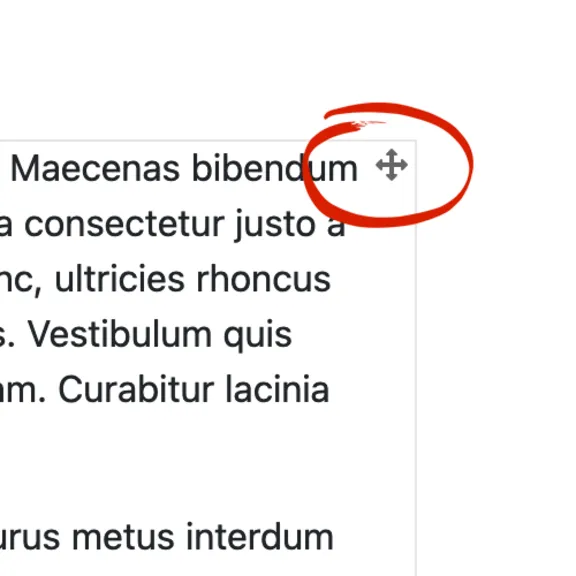
- Position your cursor over the Move Block icon in the top right of the block.
- Using that icon, drag and drop the Block to its desired location.
Note: You can only move Blocks around within a Page. You cannot move Blocks from one Page to another.